
How to Increase Visual Appeal in your Lego Stop-motion films.
Separate your films from the crowd using these simple steps.

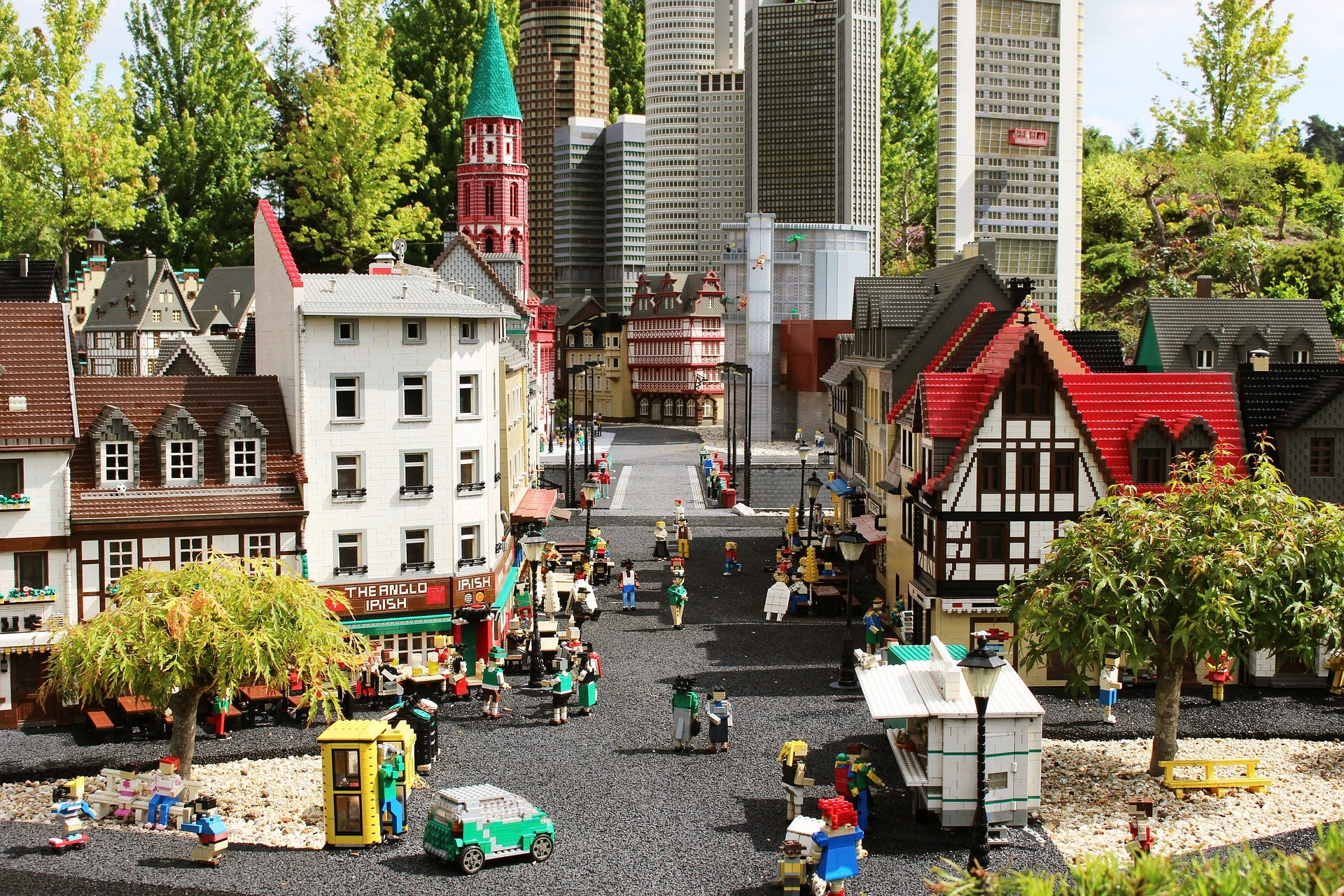
I have loved Lego Stop-motion films since my childhood. I would spend hours after school watching creators like Fancy Pants and Brotherhood Workshop.
This area of content has a natural wonder to it, but there is a lot of Lego Stop-motion in the market so what have these and other creators done to separate themselves from the crowd? I would argue that the one of the factors that have contributed to their success is their use of Visual Appeal in their content.
Visual appeal refers to the aspects of your content that draws the eye of the audience. In union with your subject, visual appeal maintains the attention of your audience and creates engaging content.
The following infographic outlines five areas you can develop to improve the visual appeal in your Lego Stop-motion films. This list is by no means extensive, but it is a helpful starting place.
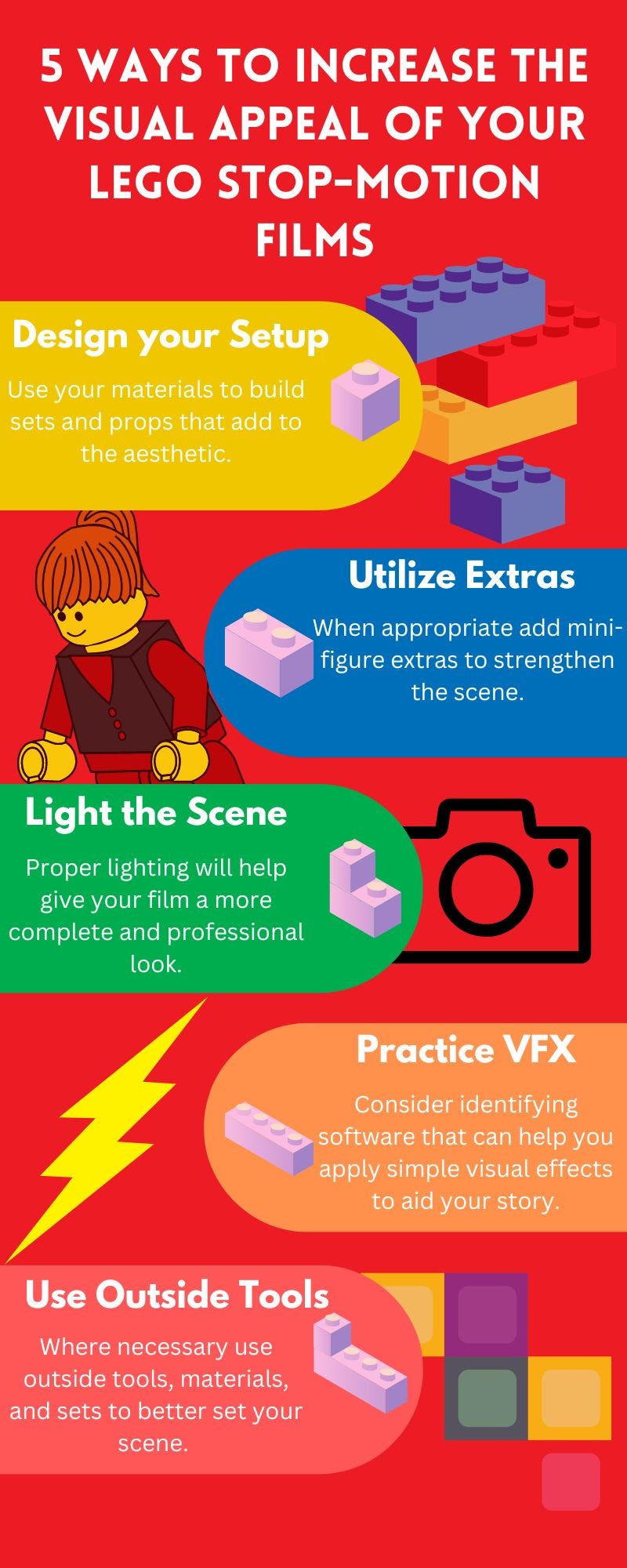
Let’s look at each of these areas in greater detail.
1) Design your Setup
When I would watch the Brotherhood Workshop as a kid I was always blown away by their use of detail and scenery to tell a story. They used immersive sets that were mostly made of Lego and were extremely interactive in the narrative. They have mastered the step of “Design Your Setup.”
“Designing your Setup” entails building a set that makes your scene clear and aesthetically pleasing to the viewer. Use artificial buildings, nature, vehicles and anything else that helps establish your scene. Try to build these tools out of Legos, if possible, to create a consistent medium.
The better the design of your set the better engagement your audience will have with your content.
2) Utilize Extras
When you’re staging the scene for your new film, consider adding extras, or other characters that support the setting. These extras are almost an extension of your set and can help increase engagement in the same way.
Be mindful that while extras may appear as an extension of your set to you, your audience will still expect natural movements from these figures. Ensure that as you use your extras, they walk, gesture, and go about their tasks in the scene.
Extras can be even more powerful in scenes where you don’t have your subject moving as much. Their movements can satisfy your audience’s need for action on the screen.
3) Light the Scene
Whether you are using natural lighting, ambient lighting, or an artificial setup it is essential to light the scene. Without proper lighting it will be difficult to capture the intricacies of color, detail, and movement you use to tell your story.
“A+C TV” is a group of professional Stop-motion creators. A+C’s Stuart Clark in his article “How We Produce Special Effects in Stop-motion,” He says, “We use tiny LED lights attached to Arduino controllers, which allows us to create real light effects in any number of ways. These low-energy consumption lights can be powered by small batteries, which aren't too much trouble to tuck out of sight when we're shooting.”
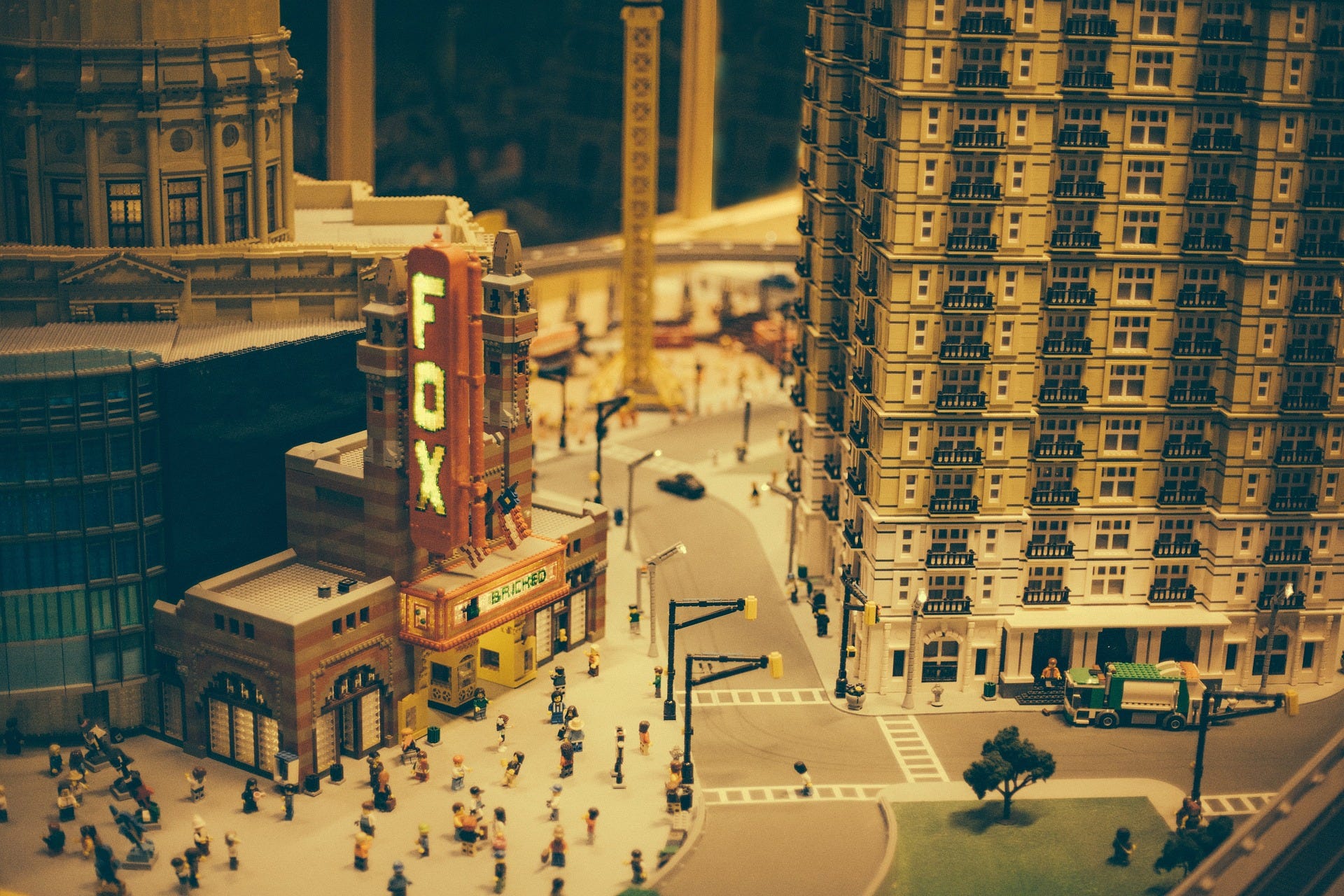
Small LEDs are excellent for lighting your scene and bringing your set to life, but if you cannot get access to such tools use what you have available. Any light is better than no light, practice using different lights and find the one that best gives your scene the tone you're looking for.
4) Practice VFX
VFX or visual effects are added effects you will fill your film with in post-production. This could be as complex as generating a hurricane in your scene, to something as simple as adjusting a shadow.
Purchasing high-end visual effects software can be expensive and complicated. Check your editing software for tools, tutorials, and tips on how you can add special effects within the app, as many will have a limited library for your use.
Additionally tools like Stop-motion Studio and Canva provide effects, icons, images, and filters that you can export and insert into your preferred software. Even simple effects, if wisely executed can make a big difference in your films.
5) Use Outside Tools
As you create your Lego Stop-motion films you will doubtless realize that Lego as a medium still has its limits. While Lego figures have articulation of their limbs it is somewhat restricted. Outside tools like “Play-Doh” or “Sticky Tack” can help hold limbs to magnify their articulation. Also setting your scene outside or in other specific locations can be an effective way to add realism to your set design.
On their Youtube channel Lego Stop-motion artist, “Gold Puffin,” has a video called, “10 Tips for Building Your Brickfilm Set.” In the video “Gold Puffin” explains that tape and “Sticky Tack” can be used to strengthen more fragile builds and to keep them secure while you shoot. See their video below for more tips and tricks.
(10 Tips for Building Your Brickfilm Set by Gold Puffin)
Additionally in the video “Gold Puffin,” explains that outside materials can provide aspects, features, and textures to your film that would be impossible with only Lego. Be cautious however, we have already mentioned the importance of consistency in your set medium. Use these tools sparingly, but when used appropriately they can help your film engage the audience.
As you practice these tips and other tools to improve your visual appeal, your films will continue to improve and likely so will your audience engagement. I hope this post was helpful for you. Subscribe below for more Lego Stop-motion tips and tricks.